
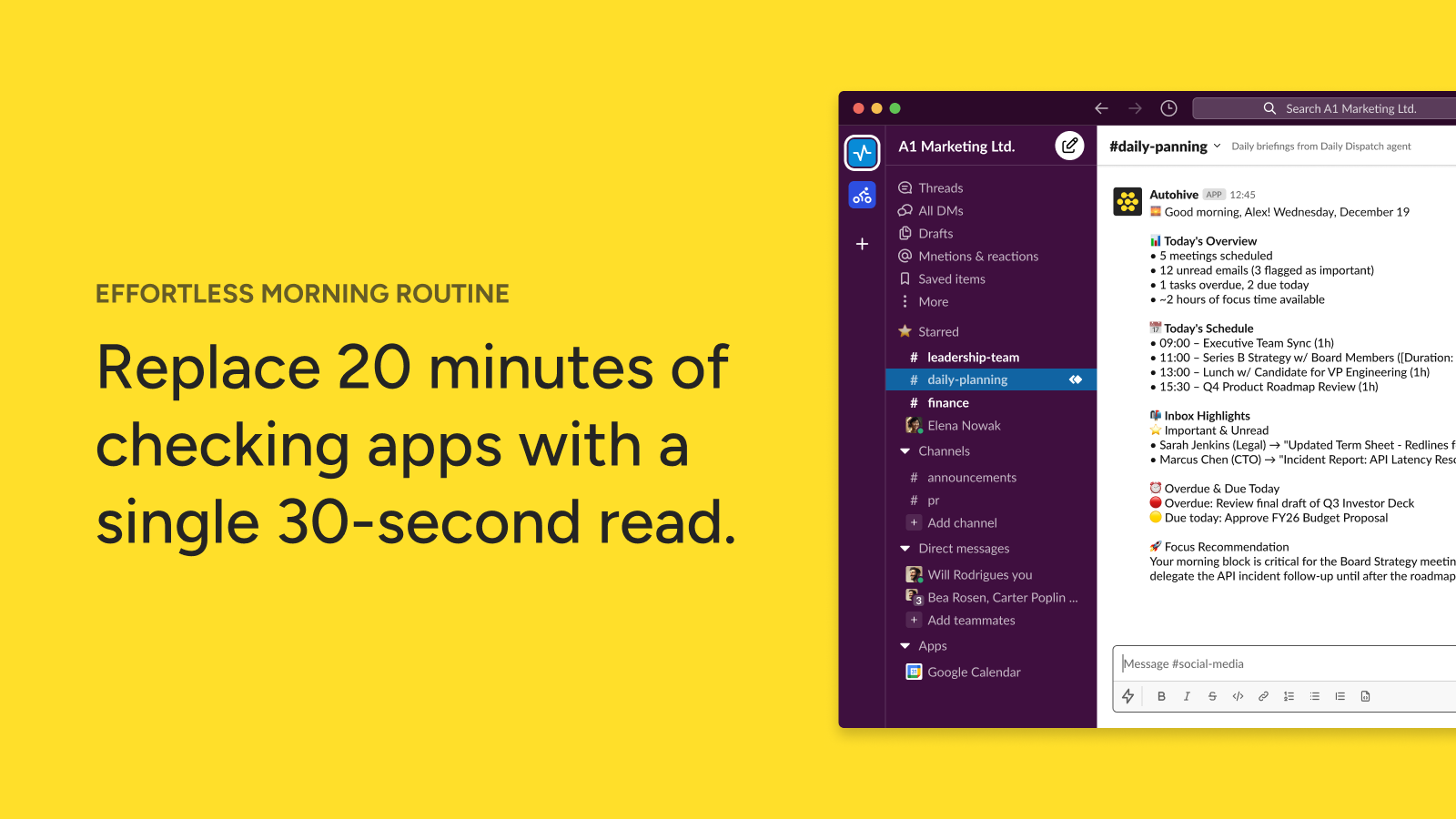
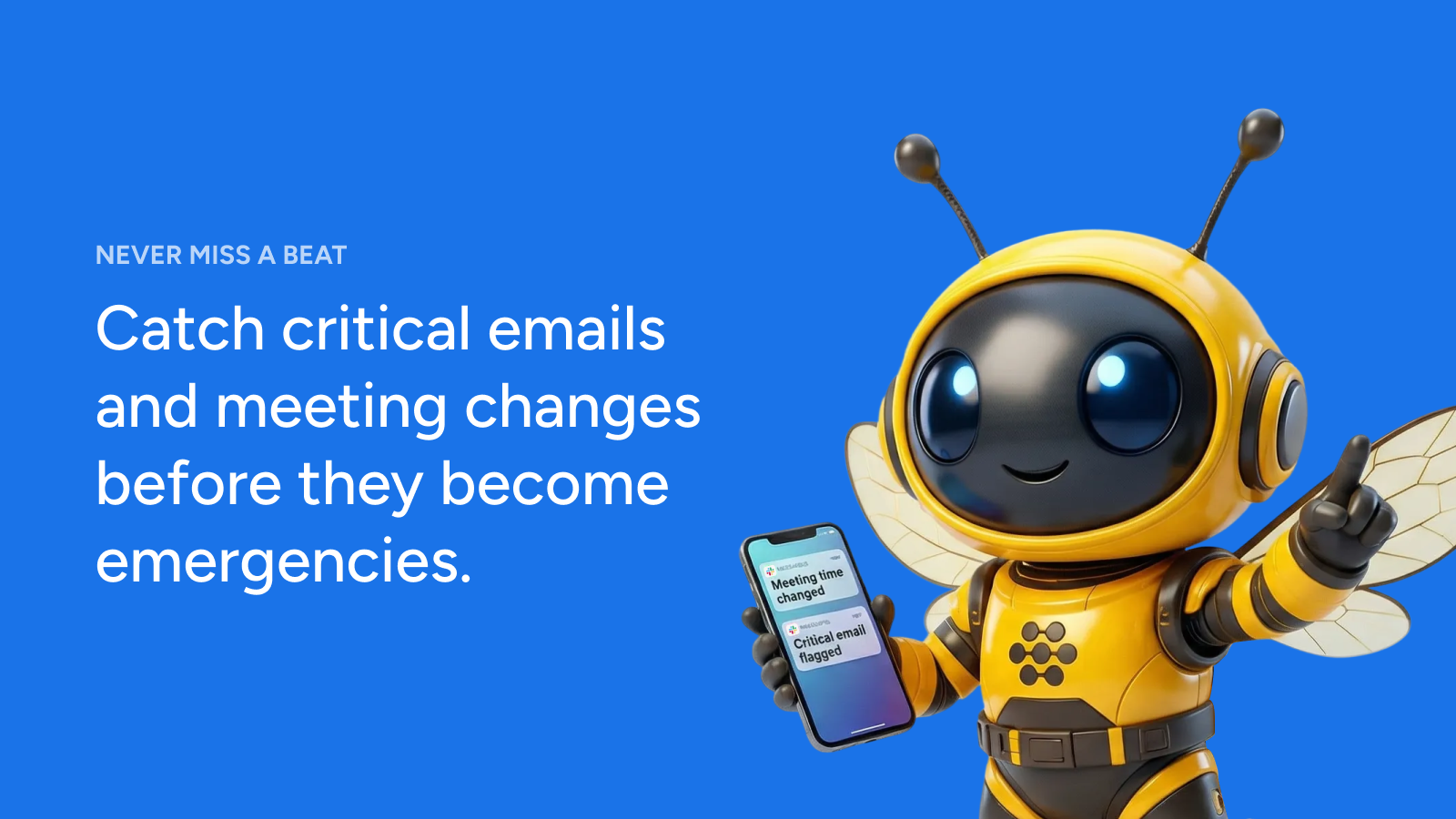

Elevate your workday with the Daily Briefing agent, a powerful tool for productivity automation. This agent transforms your Google Calendar and Gmail into a smart, prioritized overview, delivered directly to your chosen Slack channel, offering effective Slack integration for your daily routine.
The Daily Dispatch agent acts as your personal assistant, compiling crucial information from your workday sources. It intelligently reviews your upcoming appointments, important emails, and other relevant communications to create a concise, actionable summary. This ensures you start each day informed and prepared, without the need to manually sift through multiple applications.
This agent solves common workday challenges by ensuring you are always informed and prepared. Eliminate the need to manually check multiple platforms for your schedule and urgent messages. It reduces information overload, helping you stay focused on tasks that drive your day forward. By providing a clear, prioritized agenda, the Daily Dispatch helps improve time management and overall team productivity, making your daily briefing effortless.
Getting started with your Daily Dispatch is straightforward. First, add the Autohive app to your preferred Slack channel and provide its name or ID. To customize your initial briefing, simply share your full name, email address, and company domain. The agent handles the rest, preparing your personalized daily overview.
This agent integrates directly with leading communication and productivity platforms to provide a connected experience.
Morning Executive Brief for Leadership Teams Your CEO needs to start each day informed about critical meetings and urgent emails without manually checking multiple apps. Daily Dispatch automatically compiles their calendar events and high-priority messages into a single Slack message, arriving before they begin work. This eliminates context switching and ensures nothing falls through the cracks while they're in back-to-back meetings.
Sales Team Coordination and Deal Management A sales manager oversees multiple team members and their own pipeline. Daily Dispatch delivers a consolidated view of all scheduled client calls, follow-up meetings, and important prospect emails to a shared team channel. The team stays synchronized on priorities, deadlines approach no one misses critical touchpoints, and managers can quickly identify bottlenecks or opportunities.
Project Manager Status Aggregation Project managers juggle dozens of deadlines, stakeholder meetings, and email updates across multiple initiatives. Instead of manually creating daily status reports, Daily Dispatch pulls upcoming milestones from their calendar and urgent project communications from Gmail, delivering a ready-made briefing that can be shared with stakeholders or used to structure team stand-ups.
Remote Team Async Communication Distributed teams across time zones need a consistent way to surface what's happening today without requiring real-time meetings. Daily Dispatch delivers personalized briefings to a dedicated Slack channel, allowing team members to stay informed about collective calendar events and important communications whenever they check in, supporting truly asynchronous workflows.
Personal Productivity and Time Management Professionals using Slack as their primary communication hub can receive their entire day's structure and urgent messages in one place, supporting intentional time-blocking and reducing the mental load of context switching between Gmail, Calendar, and Slack throughout the morning.
Corporate Leadership and Executive Offices C-suite executives and their executive assistants use Daily Dispatch to ensure leadership stays informed about critical meetings and urgent communications without constant app-switching, supporting faster decision-making and strategic focus.
Sales and Business Development Teams Sales organizations benefit from coordinated briefings on client calls, prospect follow-ups, and deal-critical emails, improving team alignment and ensuring no opportunities are overlooked due to communication fragmentation.
Project and Program Management Project managers and PMO teams use Daily Dispatch as a daily intelligence layer, ensuring visibility into milestone dates, stakeholder meetings, and urgent project communications across multiple initiatives.
Professional Services and Consulting Consultants managing multiple client engagements need daily visibility into client meetings, deliverable deadlines, and project communication. Daily Dispatch centralizes this information for better client service and internal coordination.
Remote and Distributed Organizations Teams working across time zones rely on Daily Dispatch to maintain async awareness of collective schedules, important communications, and daily priorities without requiring synchronous check-ins.
 Google Calendar
 Google Gmail
 Slack
Slack