
Automated Looker reporting for onboarding funnel data
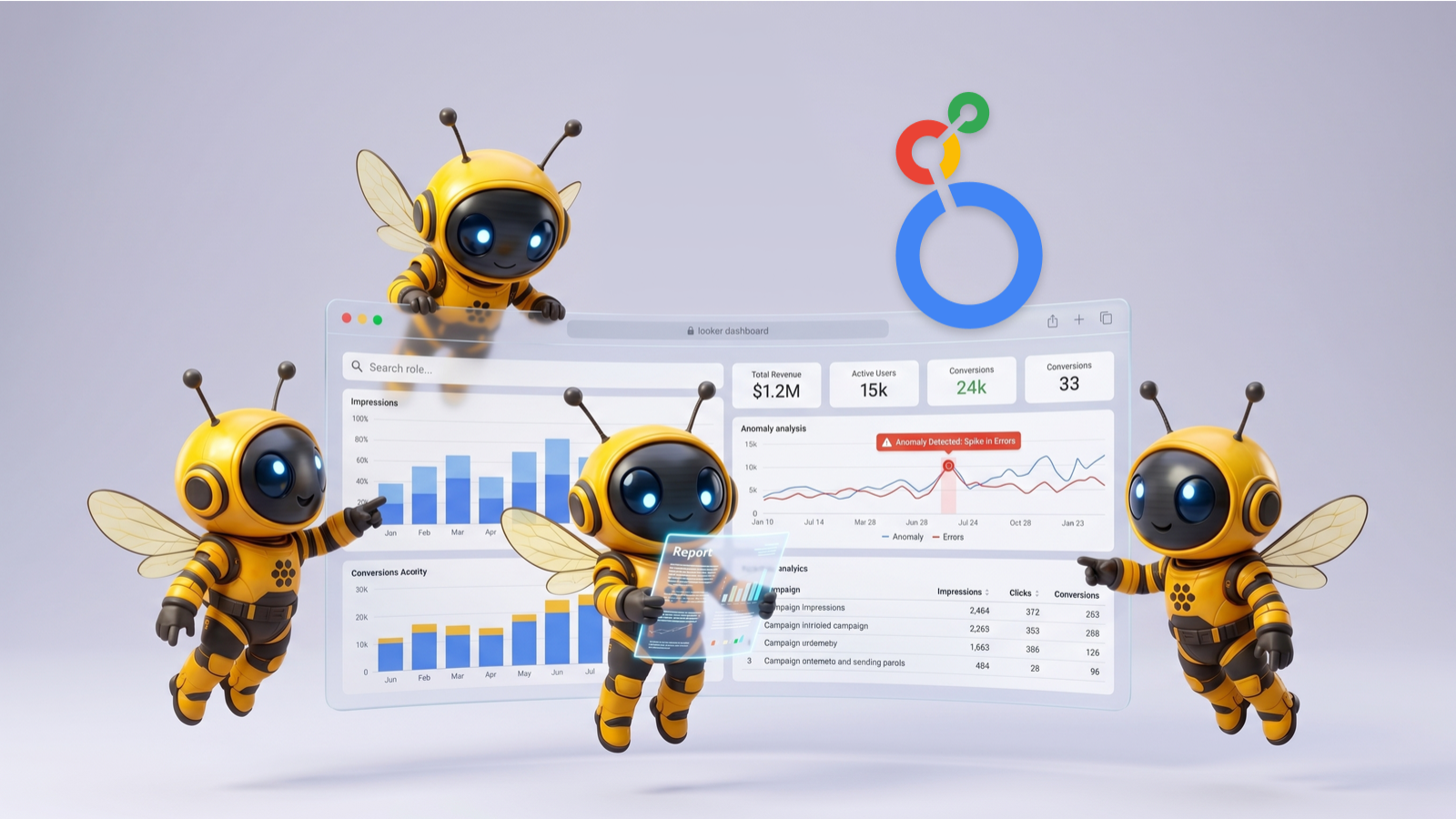
Streamline your data analysis with the Google Looker Reporting agent, designed to deliver precise onboarding funnel data directly from your Looker instance. This agent retrieves factual, structured results, allowing you to quickly understand your performance metrics without manual data extraction. Simply specify your desired timeframe—Week-over-Week or Month-over-Month—and receive immediate insights into your critical business processes.
Key Looker reporting features
This agent provides robust capabilities for accessing and presenting your Looker data:
- Direct data retrieval: Executes LookML and SQL queries to pull onboarding funnel data straight from Looker.
- Timeframe flexibility: Supports Week-over-Week or Month-over-Month comparisons for trend analysis.
- Dashboard and model access: Can list and retrieve details about your Looker dashboards and LookML models.
- Custom query execution: Allows for precise data extraction using both LookML and raw SQL queries.
- PDF report generation: Creates and edits PDF documents for easy sharing and archival of reports.
Problems this Looker reporting agent solves
Many businesses struggle with the time-consuming and often inconsistent process of manual data extraction and report generation. This agent directly addresses these challenges:
- Eliminates manual data pulling: Reduces the need for human intervention in extracting routine data.
- Ensures data consistency: Provides standardized reports every time, reducing errors and discrepancies.
- Accelerates insights: Delivers critical onboarding funnel data rapidly, supporting faster operational adjustments.
Benefits of automated Looker reporting
Implementing this agent offers several practical advantages for your team:
- Increased efficiency: Frees up data analysts and operations teams from repetitive reporting tasks.
- Improved data accuracy: Guarantees that reports are based on the latest, directly queried data from Looker.
- Empowered decision-making: Provides key stakeholders with timely, reliable performance metrics.
- Consistent performance tracking: Facilitates regular monitoring of your onboarding funnel's health and evolution.
Learn More
Use Case Scenarios
Tracking Weekly Onboarding Performance Dips A product manager notices user signups are declining and needs to understand where prospects are dropping off in the onboarding funnel. They request Week-over-Week funnel data from the Looker Reporting Agent, which instantly retrieves conversion rates at each stage—from initial signup through account activation. This pinpoints whether the issue is in email verification, profile completion, or product walkthrough, enabling targeted fixes within days rather than weeks.
Month-over-Month Trend Analysis for Stakeholder Reports A growth leader needs to present quarterly results to executives showing how onboarding efficiency has improved since launching a new signup flow. They use the agent to pull Month-over-Month funnel metrics automatically, then export the data as a professional PDF report. This eliminates manual data gathering and ensures accuracy across presentations.
Rapid Funnel Health Checks During Product Launches During a new feature rollout, a team lead wants to verify that the onboarding funnel hasn't degraded. Rather than logging into Looker and navigating dashboards, they ask the agent for Week-over-Week comparisons, getting factual conversion data in seconds. This allows them to catch performance regressions immediately and roll back changes if needed.
Operational Data Validation for Engineering Teams A data analyst needs to confirm that recently implemented tracking improvements are capturing onboarding events correctly. They query the agent for specific time periods and receive structured funnel results that validate data integrity across multiple stages, ensuring downstream analytics and business decisions are built on reliable numbers.
Applications
SaaS and Subscription Businesses Companies with critical onboarding flows—from freemium to paid conversions—rely on funnel metrics to optimize user activation. This agent delivers precise Week-over-Week and Month-over-Month insights without manual dashboard access, making it essential for product, growth, and operations teams focused on reducing time-to-value.
Data-Driven Product Teams Product managers and analytics teams working in organizations with Google Looker infrastructure benefit from instant, structured funnel data. The agent accelerates decision-making by removing friction from data retrieval, enabling faster iterations on onboarding experiences.
Executive and Stakeholder Reporting Finance, investor relations, and leadership teams need reliable onboarding performance metrics for board presentations and strategic planning. The agent supplies audit-ready funnel data that can be exported to PDF, ensuring consistency and credibility in external communications.
Operational and Growth Analytics Growth operations roles, customer success leaders, and revenue teams use onboarding funnel data to track acquisition quality and early user experience. This agent provides the factual metrics needed to justify process changes, resource allocation, and feature prioritization decisions.


Frequently Asked Questions
What is the primary purpose of the Google Looker Reporting Agent?
This agent is designed to retrieve and present your onboarding funnel data directly from Looker. It focuses on providing factual, structured results for either Week-over-Week or Month-over-Month reporting.
What integrations or connections are required for this agent to function?
This agent primarily requires the Google Looker integration to be connected to your Looker instance. It also utilizes a PDF Creator integration, suggesting it can output reports in PDF format.
Can this agent analyze any data in my Looker instance, or is it specialized?
This agent is specialized for retrieving 'onboarding funnel data' and executes a predefined query for this purpose. While the underlying tools have broader capabilities, the agent's defined role focuses specifically on onboarding funnels.
Will this agent explain *why* certain trends are occurring or provide recommendations?
No, this agent's role is strictly to report 'WHAT happened' and 'WHERE it happened.' It does not explain the 'WHY,' speculate, or offer recommendations based on the data. It provides factual, structured results only.
How do I specify the reporting timeframe I need?
When you interact with the agent, you will specify your desired reporting timeframe by stating either 'Week-over-Week' or 'Month-over-Month'.
Expand this agent's potential
Unlock more possibilities by combining this agent with the following.
 HubSpot User Reporting
Access, report on, and manage contacts, deals, and tickets in your HubSpot CRM.
 Lead Enrichment (HubSpot)
Automatically research and enrich HubSpot contact records with verified professional and company data.
 Pricing Optimization Wizard
Finds your optimal price point to increase revenue without losing customers.
 App Store Reviews Analyzer
Turn Apple Store reviews into actionable insights that boost your ratings and retention.
 Google Analytics Reporting
Analyzes your Google Analytics 4 data to provide reports, real-time insights, and actionable recommendations.