Autohive - Printing Assistant
Printing Assistant preview

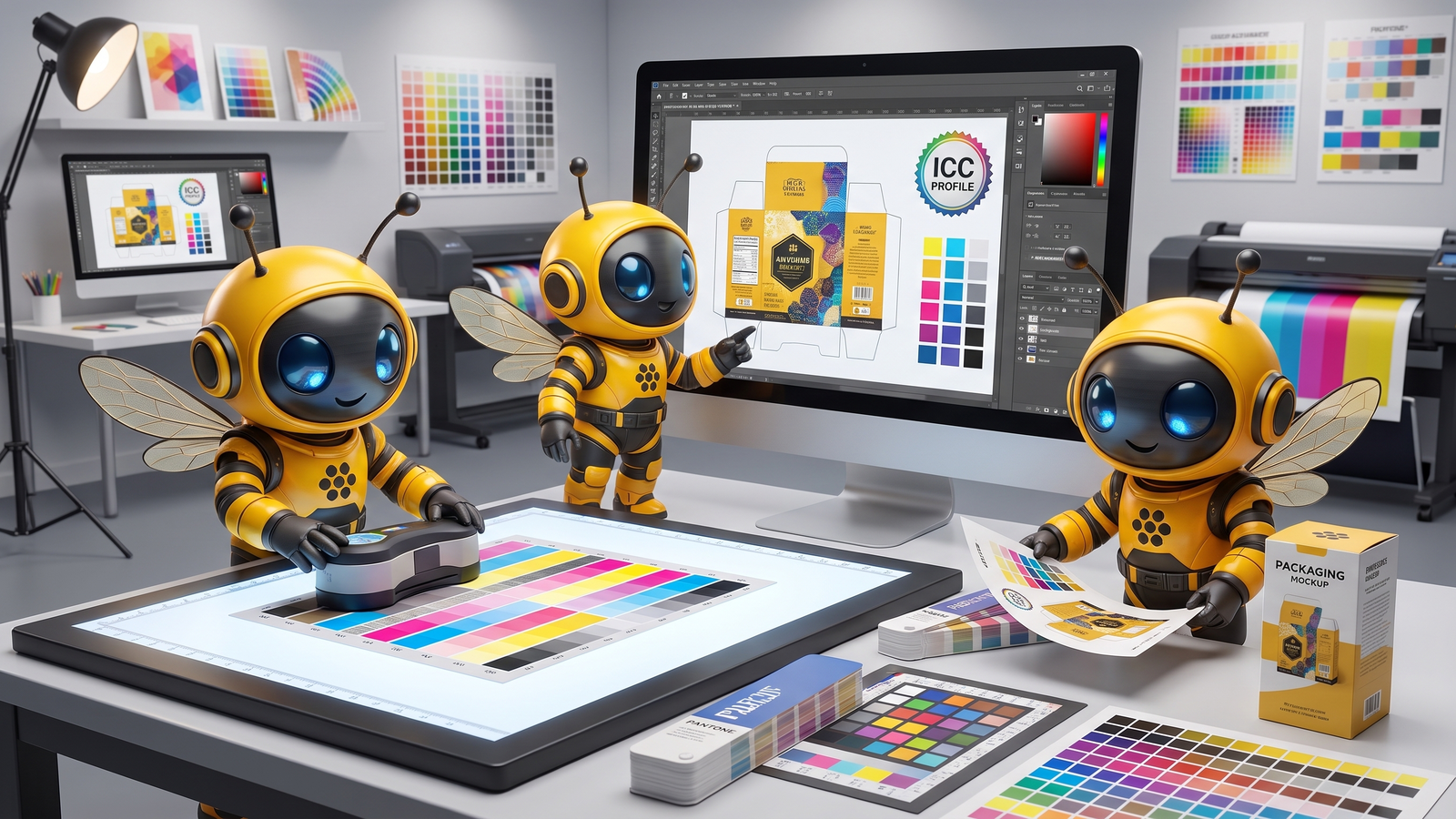
The Printing Assistant helps designers and creatives achieve accurate print color consistently. It expertly guides you through the complexities of print production, ensuring your designs look exactly as intended, every time. No more guessing why your on-screen vision doesn't match the final output. This agent demystifies CMYK profiles and color management, providing actionable advice to prevent costly reprints and frustrating color shifts.

Key accurate print color features

  • Diagnosing color shifts: Understand why your colors change from screen to print.
  • Explaining CMYK and ICC profiles: Get clear explanations of crucial color standards.
  • Guiding precise adjustments: Receive step-by-step instructions for color correction in design software like Photoshop.
  • Pre-press preparation advice: Learn best practices for file setup to ensure print readiness.

Solving common print color challenges

This assistant directly addresses the common frustrations associated with print production. It resolves issues like unexpected color variations, dull or muted prints, and the confusion surrounding color spaces. By clarifying technical jargon and offering practical solutions, it bridges the knowledge gap between digital design and physical output, saving you effort and materials.

Achieve predictable print results

  • Consistent color output: Ensure your brand colors remain true across all printed materials.
  • Reduced waste and costs: Minimize reprints by getting your colors right the first time.
  • Time efficiency: Quickly identify and fix color issues, saving valuable production time.
  • Professional final products: Deliver high-quality, vibrant prints that meet your creative vision.

This agent empowers you to take control of your print projects, transforming your creative vision into precise, high-quality physical realities.

Learn More

Use Case Scenarios

Preparing artwork for commercial printing: A designer finishes a vibrant website design and needs to adapt it for a printed brochure. The colors look brilliant on screen but appear dull and muddy in the printer's proof. The Printing Assistant diagnoses that the design is using RGB values outside CMYK's achievable gamut and walks through converting the file while preserving visual impact through strategic color substitutions and saturation adjustments.

Troubleshooting unexpected color shifts in production: A photographer sends images to a print lab and receives back prints with a noticeable color cast or loss of detail in shadows. The Printing Assistant helps identify whether the issue stems from incorrect color space conversion, missing or mismatched ICC profiles, or inadequate CMYK separation, then provides step-by-step guidance to fix the source file before reprinting.

Setting up color-accurate workflows across projects: A small design studio wants consistent color results whether working with different printers, paper stocks, or international vendors. The Printing Assistant explains how to embed proper ICC profiles, calibrate monitor settings, and create print-ready files that account for each printer's unique color characteristics, reducing trial-and-error and revision costs.

Managing client expectations on color accuracy: A designer receives client feedback that printed materials don't match approved digital mockups. Rather than blame the printer, the Printing Assistant helps explain the technical reasons for color differences between screen and print, what's achievable within CMYK limits, and how to set realistic expectations before files go to production.

Applications

Graphic Design & Branding: Professional designers and design agencies use this agent to ensure logos, packaging, and marketing materials print with exact color fidelity, protecting brand consistency across all touchpoints.

Photography & Fine Art Printing: Photographers and artists working with fine art printers rely on this guidance to achieve gallery-quality color reproduction and maintain artistic intent through the digital-to-physical translation.

Print Production & Pre-press: In-house print departments and pre-press professionals use this resource to diagnose color issues quickly, train team members on proper file preparation, and reduce costly reprints and waste.

Small Business & E-commerce: Business owners managing product packaging, promotional materials, or printed merchandise benefit from learning print color fundamentals without needing expensive color management consultants.

Educational & Creative Training: Design instructors and training programs use this agent as a teaching resource to help students understand color science and professional print workflows as part of their technical skill development.

Frequently Asked Questions

What specific types of print color problems can this agent help me solve?

The Printing Assistant specializes in diagnosing and resolving issues like unexpected color shifts from screen to print, dull or inaccurate CMYK output, problems related to ICC profiles, and general color consistency challenges. It can guide you through precise adjustments in software like Photoshop to achieve accurate, punchy colors.

Do I need specific design software like Photoshop to use this assistant?

While the agent can provide specific guidance for adjustments within Photoshop, its expertise extends to general color theory, CMYK principles, and pre-press preparation relevant to various design tools and workflows. You don't *strictly* need Photoshop, but its advice might often reference similar concepts found in professional design software.

How do I interact with the Printing Assistant? Can I upload my design files or images?

You interact with the Printing Assistant by describing your print color challenges and asking questions in natural language. Articulate the problem and provide details about your files and settings. You can upload your assets to get a better analysis.

Is this agent exclusively focused on CMYK printing, or does it cover other color models too?

While the agent has deep expertise in CMYK for commercial printing, it also possesses extensive knowledge of color theory, including RGB vs. CMYK differences, color gamut, and ICC profiles. This allows it to help you bridge the gap effectively between RGB screen visuals and CMYK print output, and advise on general color accuracy regardless of the final print method.

Expand this agent's potential

Unlock more possibilities by combining this agent with the following.

ChatGPT icon
ChatGPT

Provides comprehensive AI assistance for research, coding, content creation, and problem-solving.

Product Infographic Studio icon
Product Infographic Studio

Generates professional, annotated product infographics from your photos.

NYEify icon
NYEify

Reimagine your photos as epic New Year's Eve 2026 celebrations set in famous historical locations.

Christmasify icon
Christmasify

Transforms your photos into unique Christmas scenes set in historical locations and styles.

Professional Headshots icon
Professional Headshots

Instantly generate three professional headshots from your photo for LinkedIn or resumes.

Newsletter Digest icon
Newsletter Digest

Transforms newsletters into concise, actionable digests, helping you quickly absorb key insights and save time.