Transactions Categorizer
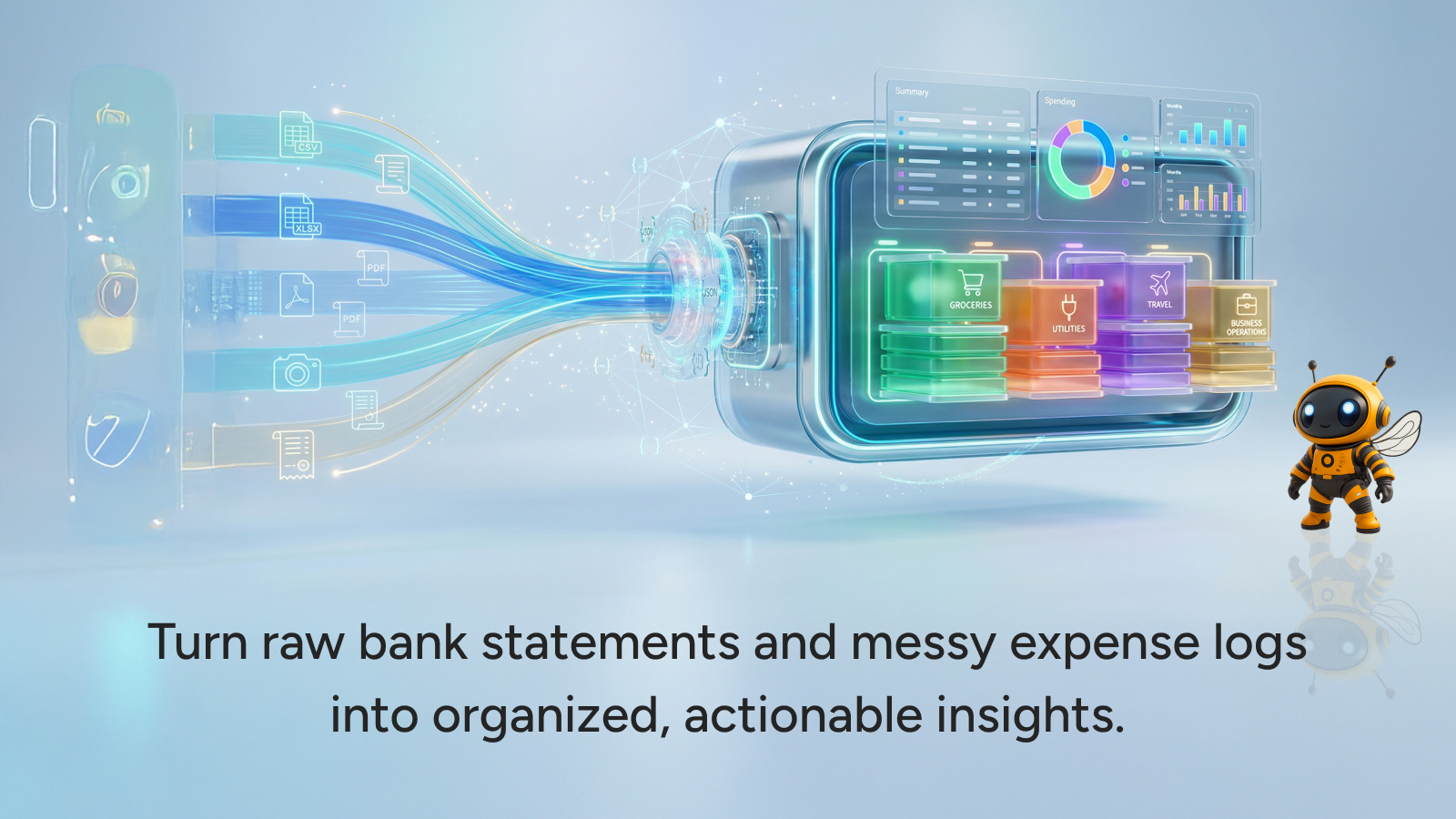
The Transactions Categorizer provides an essential service for clear expense categorization and robust financial analysis. Simply upload your financial documents, and this agent will precisely identify and organize every transaction.
What this transaction categorizer does
This agent transforms raw financial data into actionable insights. Instead of manually sifting through statements, you can upload PDFs, images, or CSV files of your transactions. The agent then diligently identifies each expense and automatically sorts them into relevant, logical categories. You receive a comprehensive summary table, clearly showing where your money is allocated, eliminating guesswork in your financial tracking.
Key expense categorization features
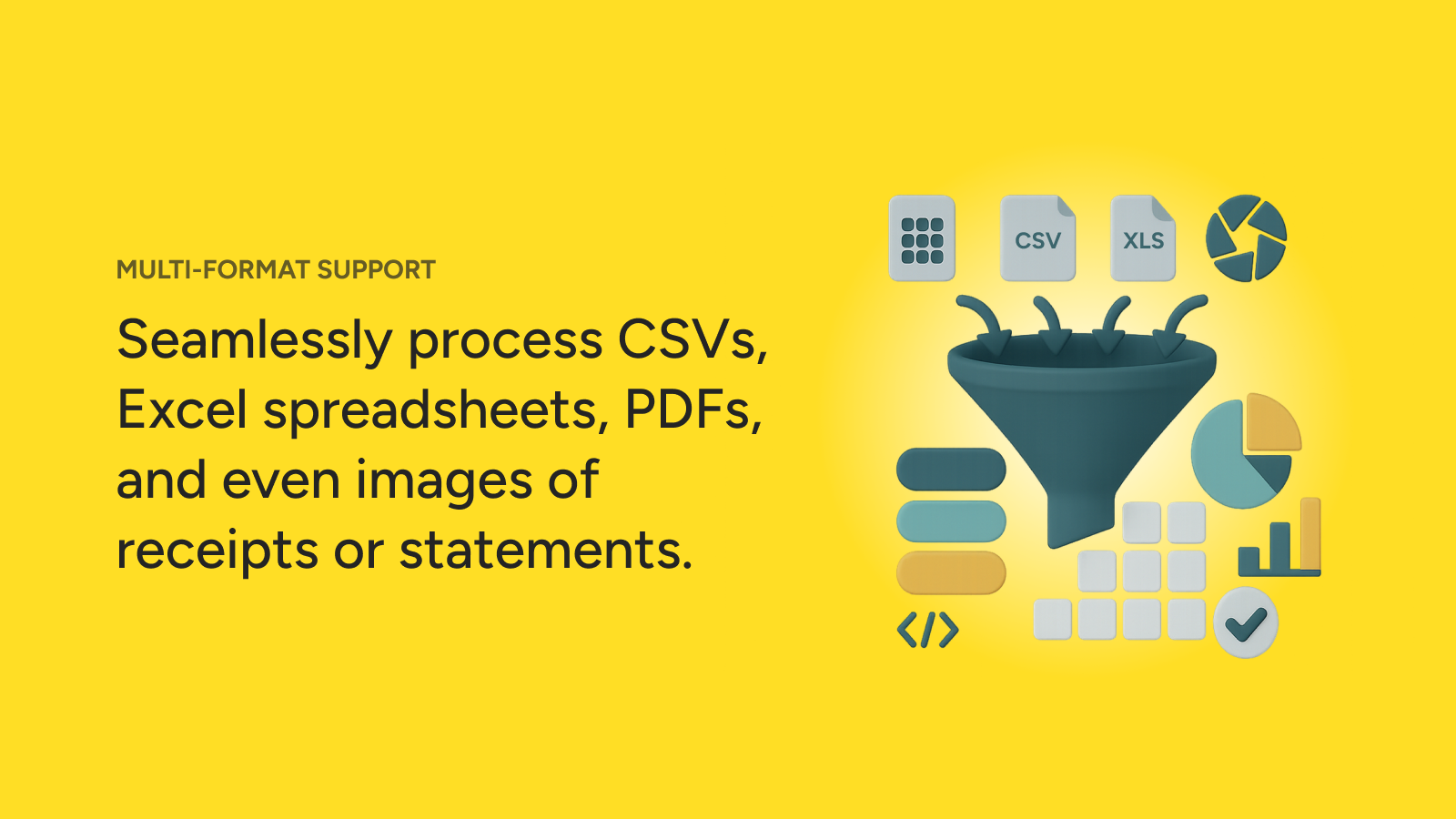
- Multi-format input: Easily upload transaction data from PDF documents, image files, or CSV spreadsheets.
- Automated expense identification: The agent accurately recognizes individual transactions within your uploaded files.
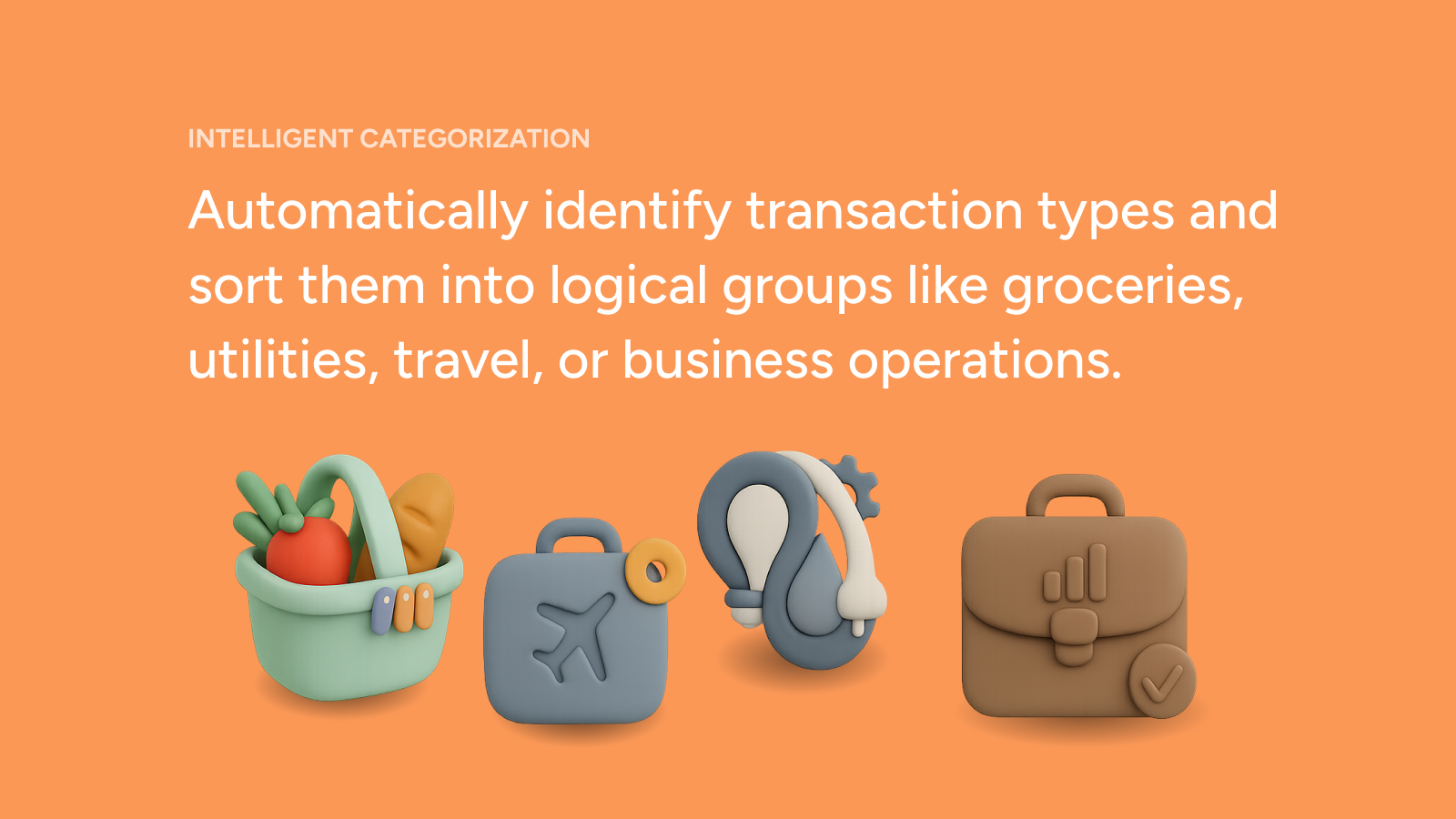
- Intelligent categorization: Expenses are sorted into sensible, pre-defined categories for clarity and ease of review.
- Detailed summary table: Get a clear, organized overview of all your spending, broken down by category.
- Accurate financial calculations: Utilizes underlying tools to ensure precision in all financial summaries.
How the financial analysis works
The agent leverages specialized tools to process your financial records. Upon receiving your document, it converts the data into a usable format, often processing spreadsheets or extracting text from PDFs and images. It then applies advanced logic and Python execution to precisely identify transaction details, categorize spending, and compile your accurate financial summary.
Benefits of automated spending categorization
- Significant time savings: Drastically reduce the hours spent on manual data entry and categorization.
- Improved accuracy: Minimize human error in financial tracking and reporting.
- Enhanced financial insight: Gain a clear understanding of your spending patterns and where your money goes.
- Simplified record-keeping: Maintain organized financial records with minimal effort.
Who can benefit from this agent
This agent is ideal for anyone who handles regular transactions and needs efficient financial oversight. This includes small business owners, freelancers, individuals managing personal budgets, and financial planners seeking to streamline data processing.
Learn More
Use Case Scenarios
Personal Budget Review and Spending Awareness You've received months of bank statements but have no clear picture of where your money actually goes. Upload your transaction history as a PDF or CSV file, and the Transactions Categorizer automatically identifies each expense and organizes them into logical spending categories. Within seconds, you'll see a detailed summary table revealing exactly how much you're spending on groceries, entertainment, utilities, dining out, and more—making it easy to spot overspending patterns and identify areas where you can cut back.
Monthly Financial Planning and Goal Setting As you work toward a savings goal or budget adjustment, you need accurate baseline data on your current spending patterns. Rather than manually reviewing and categorizing hundreds of transactions, this agent handles the tedious work instantly. You get a clear, organized breakdown that serves as the foundation for creating a realistic budget, setting spending limits, or allocating funds toward savings and investments.
Tax Preparation and Expense Documentation When tax season arrives, you need to categorize business or deductible expenses from mixed personal and professional transactions. Upload your transaction file and receive organized categories that align with tax reporting requirements—making it far easier to identify which expenses qualify for deductions and simplifying communication with your accountant or tax preparation software.
Business Expense Analysis and Cost Control Small business owners and freelancers often juggle multiple accounts and payment methods, making it hard to understand true business expenses. Upload your transaction exports to automatically categorize business spending by vendor type, expense category, or project. This clarity enables better cost control decisions and more accurate financial reporting without manual spreadsheet work.
Applications
Personal Finance and Budgeting Individual users managing household budgets benefit from instant transaction organization. Whether tracking monthly spending, analyzing year-over-year trends, or preparing for major financial decisions, this agent transforms raw transaction data into actionable financial insights.
Small Business and Freelance Operations Entrepreneurs and self-employed professionals use this tool to maintain organized expense records for accounting, tax filing, and business analysis—eliminating hours of manual categorization while ensuring accuracy for financial reporting.
Accounting and Bookkeeping Support Accountants and bookkeeping services accelerate client work by using this agent as a first-pass categorization tool, reducing manual data entry and allowing professionals to focus on analysis and strategic financial guidance rather than transaction sorting.
Financial Counseling and Coaching Financial advisors and personal finance coaches use categorized spending summaries to help clients understand their financial behavior, identify improvement opportunities, and develop actionable plans for better money management.


Expand this agent's potential
Unlock more possibilities by combining this agent with the following.
 Climate Risk Assessment
Translates complex climate data into city-specific flood risk and infrastructure vulnerability assessments, recommending proactive, cost-effective adaptation strategies.
 Xero Cash Flow Storyteller
Analyzes your Xero data to deliver a weekly email summarizing your cash position, forecasting the next 30 days, and flagging financial risks.

 Lead Enrichment (Zoho CRM)
Enriches Zoho CRM lead records with verified company and professional data.
 Lead Enrichment (HubSpot)
Automatically research and enrich HubSpot contact records with verified professional and company data.