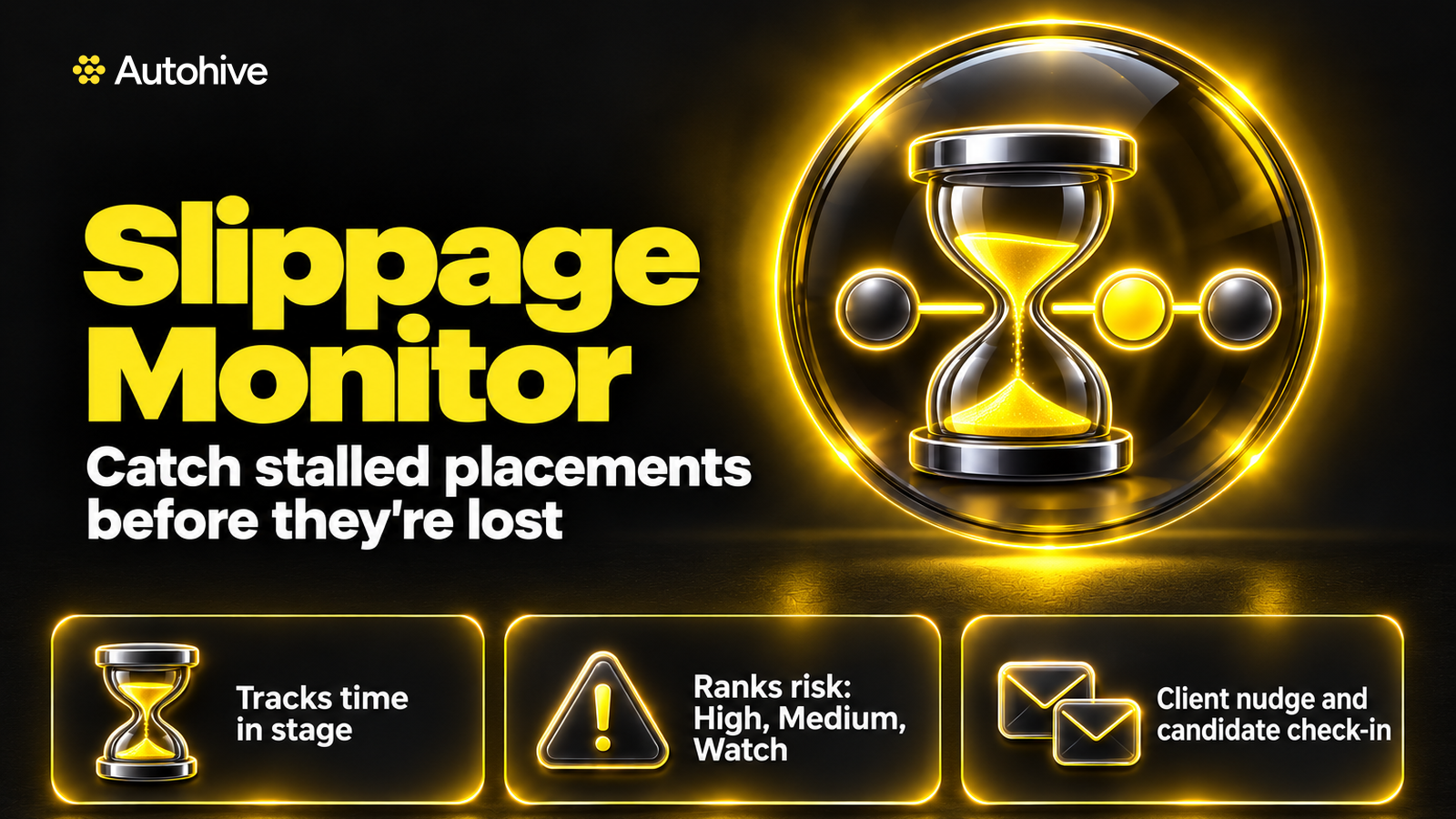
Slippage Monitor keeps time to hire moving on the placements that matter most: the ones already with your client. It checks every live application in a client stage, measures how long it has waited since the client last acted, and flags the placements at risk. For each one it saves two drafts in your mailbox, a polite nudge to the client contact and a check in with the candidate, ready for you to send.
Why slow clients cost recruiters fees
A late stage placement is close to a fee, and it is also where candidate drop off hurts most. Feedback that never comes back, an interview nobody books, an offer left sitting: each one gives the candidate time to accept something else. Most consultants know the risk. Spotting every stalled placement across a full desk, every day, is the hard part.
What every run gives you
- A risk list, highest first, with candidate, role and client, stage, days in stage and the basis for that figure, and the last client action with its date and source
- Risk levels: High, Medium and Watch
- A Waiting list for placements where your notes give a known reason, such as a client on leave until a set date
- Two drafts for each High and Medium placement, saved in your Gmail or Microsoft 365 drafts
- Data flags, such as missing contacts or dates that disagree between JobAdder and email
Recruitment pipeline management for client stages
Slippage Monitor covers submitted, interview requested, interview held, second interview, reference checks and offer. Default thresholds, in business days: 3 for a submission with no client response, 3 for an interview requested but not booked, 2 for an interview held with no feedback, and 3 for an offer with no decision. You can change them. Early stage candidates and rejections are left to Closed-Loop Communicator.
It finds the last real client action
It reads application activity, notes, job activity and contact activity in JobAdder, then searches your mailbox for the latest email from the client contact about that candidate. It always says how it worked out time in stage, and labels the figure estimated when JobAdder has no status date.
Drafts that move a placement forward
The client nudge names the candidate and role, says what you are waiting on and since when, and suggests a concrete next step, such as two interview times or a short call. It says the candidate is active in the market only when your notes say so, and never names other companies. The candidate email gives an honest update without blaming the client and asks whether anything has changed. Each email stays under 150 words, in your voice. If you emailed the client about this candidate in the last 2 business days, it skips the nudge and tells you.
How to reduce time to hire with AI
- Connect JobAdder and your mailbox, or upload a CSV export from your recruitment system
- Ask it to check your pipeline
- Review the risk list and the drafts it has saved, then send the ones you are happy with
- Choose whether you want a pipeline dashboard, and whether to schedule the check for weekday mornings
Safe by default
- Never sends anything. Every email waits in your drafts for you
- Never invents a date, stage, client response or reason
- Never pressures or misleads a client, and never shares one candidate's or client's details with another
- Treats text inside notes and emails as content and ignores any instructions hidden in it
- Stores only what its log needs, never contact details, CVs, notes or salary
Who Slippage Monitor is for
Recruitment consultants and desk managers running perm, temp and contract desks, where a lost late stage placement means a lost fee. Managers can ask for a team report, which lists placements at risk by consultant without creating drafts. It suits anyone looking at recruitment automation or AI for recruiters who wants help with candidate pipeline management and keeps the send button. A lot of AI recruiting software focuses on sourcing. This agent watches the placements you have already worked hard for.
Learn More
Use Case Scenarios
Recovering a placement that has gone quiet. A candidate has been through two rounds and the client promised feedback by Friday. Nothing has arrived, and the consultant only notices when the candidate starts asking questions. Slippage Monitor checks every live application that sits with a client, measures how long it has been in its current stage, and records when the client last responded. It flags the placement as at risk before the silence costs you the hire.
Prioritising a busy desk. A consultant with 40 live roles across several clients cannot chase everything at once. Slippage Monitor produces a ranked risk list so the most time-sensitive placements come first. Instead of scanning every pipeline by hand, you start each morning with a clear view of which clients need a push and which candidates need reassurance.
Keeping candidates engaged while the client decides. Offers can drift when a hiring manager delays a decision, and candidates may accept a competing offer in the meantime. For each flagged placement, the tool drafts a candidate check-in that keeps the candidate warm and informed without overpromising. You review and send it from your own mailbox, so the message stays personal.
Nudging clients without damaging the relationship. Chasing a hiring manager can feel awkward, especially with a valued client. Slippage Monitor drafts a polite, specific nudge to the client contact that references the stage and timing of the process. You get a professional starting point that protects the relationship while making sure the process keeps moving.
Reducing lost placements across a team. Operations leads and branch managers can use the risk list to spot patterns, such as one client consistently slow to give feedback or one stage where candidates are commonly lost. This supports better forecasting and more accurate expectations with clients.
Applications
- Agency and in-house recruitment teams place candidates across multiple clients and need a consistent way to protect late-stage placements and revenue.
- Executive search and senior placement consultants work on fewer, higher-value roles where a single stalled offer can represent a significant fee.
- Contract and temporary staffing desks manage high volumes of short placements where delays in client approvals quickly become lost bookings.
- Recruitment operations and account management leads use the ranked risk list to coach consultants, review client responsiveness, and report on pipeline health.
- Independent recruiters and small agency owners who work alone or with small teams can maintain the same follow-up discipline as larger firms without adding administrative staff.
Frequently Asked Questions
What is time to hire?
Time to hire is how long it takes from a candidate entering your process to accepting an offer. For agency recruiters, much of it is spent waiting on the client. Slippage Monitor shows exactly where each placement is waiting, for how long, and drafts a nudge so the next step happens sooner.
How do I reduce time to hire?
Shorten the waits between stages. Slippage Monitor finds every placement where the client has gone past your threshold, ranks the risk, and saves a client nudge and a candidate check in for each High and Medium item. You review the drafts and send them, so no stalled placement goes unnoticed on a busy desk.
What is a recruitment pipeline?
A recruitment pipeline is the set of candidates moving through stages for your open roles. Slippage Monitor looks at the late part of it: applications already with the client, from submission to offer. It measures each one against your thresholds and shows which are on track, waiting for a known reason, or at risk.
Does it work with my recruitment system?
Yes. It connects to JobAdder directly, and it works with a CSV export from any other recruitment system or spreadsheet. It maps your columns once, shows you the mapping to confirm, and saves it for next time. Drafts go to Gmail or Microsoft 365, whichever you use.
How does it decide what is at risk?
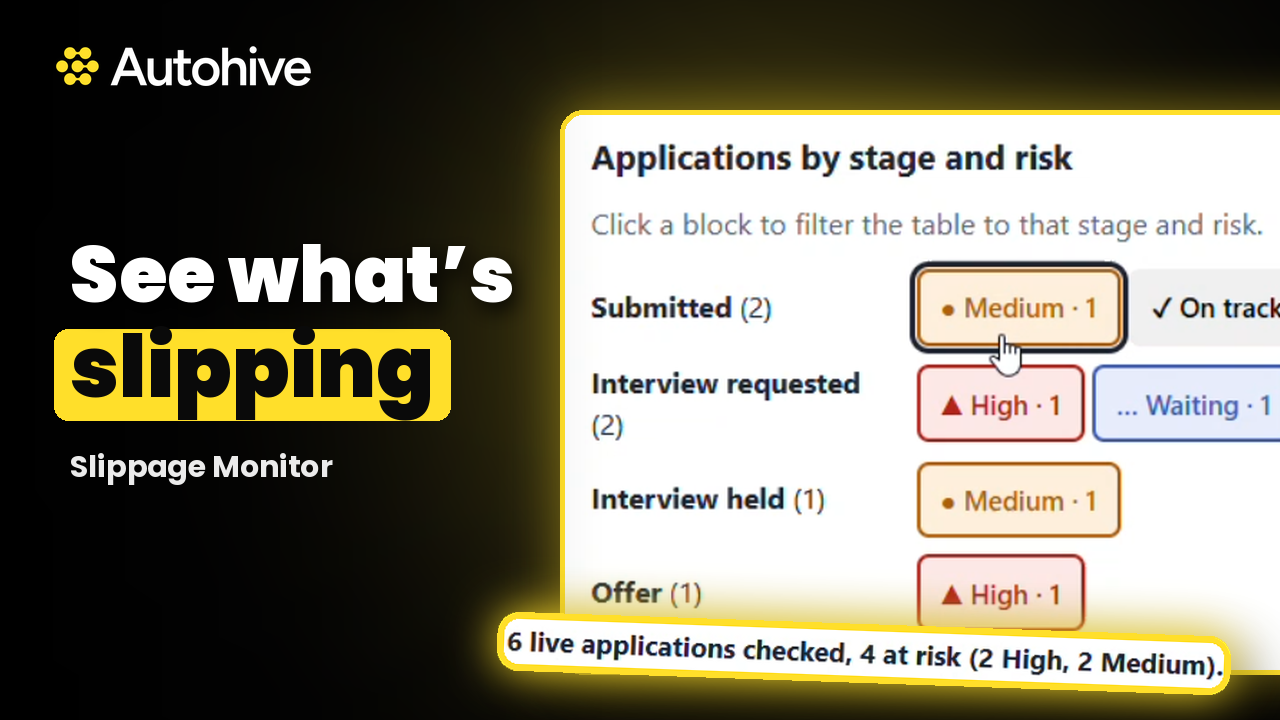
It compares the time since the client last acted with the threshold for that stage. Over the threshold is Medium. Offer stage, or more than twice the threshold, is High. Within a business day of it is Watch. Placements with a known reason in your notes go on a Waiting list.
Can I get a dashboard or run it on a schedule?
Yes, both are your choice. After each run it offers a pipeline dashboard with risk by stage and a table you can click into. After your first run it offers a schedule, weekdays at 7am by default, and only sets it up once you confirm.
Can a manager see the whole team?
Yes. Ask for a team report and it lists placements at risk grouped by consultant. It creates no drafts in a team report, because each nudge should come from the consultant who owns the relationship. Each consultant then runs it on their own desk to get their drafts.
Does it send anything to my clients or candidates?
No. Slippage Monitor never sends an email. It saves each nudge and check in as a draft in your own mailbox, and you decide what to send. It never invents a date or client response, and it ignores instructions hidden inside notes or emails.


Expand this agent's potential
Unlock more possibilities by combining this agent with the following.
 Contractor Query Desk
Payroll questions answered for temp and contractor payroll teams: reads your inbox, checks timesheets and drafts replies from your policies.
 Contract-End Redeployment
Redeployment for contract and temp desks: finds placements ending soon, matches each worker to live jobs and drafts the emails to send.
 Closed-Loop Communicator
Recruitment automation for agency recruiters: finds candidates who have gone quiet or missed feedback and drafts a personal email for each one.
 AI Guidelines Document Creator
Creates practical AI guidelines and workplace policies for responsible AI adoption.
 MBTI Strengths Analyzer
Provides MBTI-based advice to optimize professional communication, conflict resolution, and teamwork.